Table of Contents
- What Are Passkeys, Exactly?
- Why Passkeys Are Superior to Passwords
- —1. Phishing Immunity
- —2. No Credential Stuffing
- —3. No Memorization Required
- —4. Resistant to Server Breaches
- The State of Passkey Adoption in 2026
- —Enterprise Adoption
- —Consumer Platforms
- —Developer Ecosystem
- The Transition Period: Why Strong Passwords Still Matter
- How Passkeys Work Across Devices
- —Cross-Device Sync
- —Cross-Platform Authentication
- —Recovery Options
- Security Considerations for Passkeys
- —Device Security Becomes Paramount
- —Biometric Limitations
- —Account Recovery Complexity
- The Future: Beyond Passkeys
- Action Steps for 2026
- Conclusion
The Passkeys Revolution: Why 2026 Is the Year Passwords Finally Die
For three decades, the humble password has been the cornerstone of digital identity. It has also been the weakest link. In 2026, we are witnessing the most significant shift in authentication history: the mass adoption of Passkeys — a cryptographic credential system that makes traditional passwords obsolete.
Major platforms including Google, Apple, Microsoft, Amazon, and GitHub have now fully integrated passkey support, and adoption metrics are staggering. Google alone reported that over 400 million accounts now use passkeys as their primary authentication method. The era of remembering (and forgetting) complex strings of characters is drawing to a close.
But what does this mean for you? And more importantly, is the password truly dead?
What Are Passkeys, Exactly?
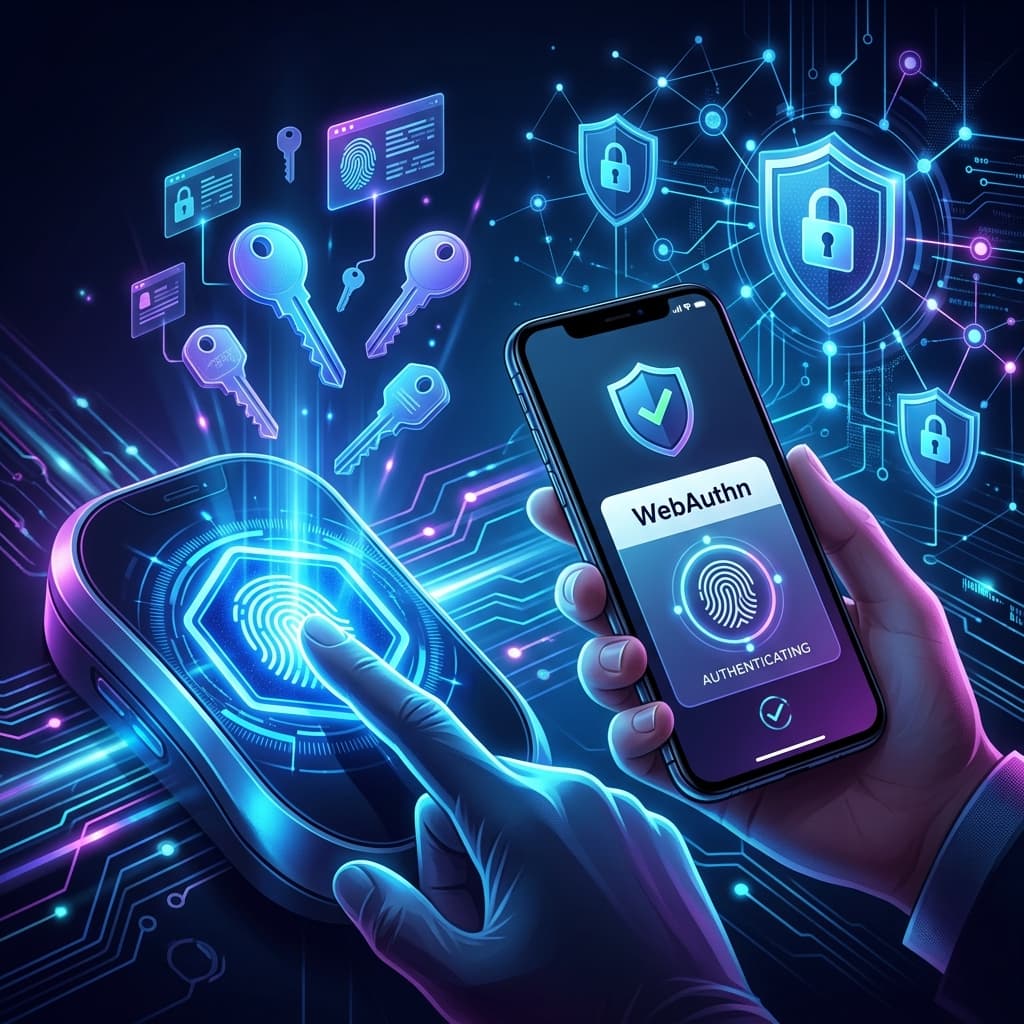
At their core, Passkeys are a consumer-friendly implementation of the FIDO2/WebAuthn standard. Unlike passwords, which are shared secrets (both you and the server know the password), passkeys use asymmetric public-key cryptography.
Here's the simplified process:
- Registration: When you create a passkey for a website, your device generates a mathematically linked pair: a Public Key (sent to the server) and a Private Key (stored securely on your device, protected by your biometrics or device PIN).
- Authentication: When you log in, the server sends a random mathematical challenge. Your device uses the Private Key to digitally "sign" this challenge and sends the signature back.
- Verification: The server verifies the signature using your Public Key. If the math checks out, you're authenticated.
The critical insight: your Private Key never leaves your device. There is no shared secret to steal, phish, or brute-force.
Why Passkeys Are Superior to Passwords
1. Phishing Immunity
Passkeys are cryptographically bound to the website's domain. If an attacker creates a fake g00gle.com login page, your device simply won't respond because the passkey for google.com doesn't match. This eliminates the single most effective attack vector in cybersecurity.
2. No Credential Stuffing
Since passkeys are unique per-site by design, the concept of "credential stuffing" (using leaked passwords from one breach on other sites) becomes impossible. There's nothing to stuff.
3. No Memorization Required
You authenticate with your fingerprint, face scan, or device PIN — something you already do dozens of times a day. There are no complex character requirements to remember.
4. Resistant to Server Breaches
Even if a server is breached and all stored Public Keys are exposed, attackers cannot derive your Private Key from the Public Key. The mathematics of asymmetric cryptography ensure this is computationally infeasible.
The State of Passkey Adoption in 2026
Enterprise Adoption
Major enterprises have begun mandating passkey authentication for employee accounts. According to the 2026 Verizon Data Breach Investigations Report, organizations that adopted passkeys saw a 92% reduction in phishing-related incidents.
Consumer Platforms
- Google: Passkeys are now the default sign-in method for new accounts
- Apple: iCloud Keychain syncs passkeys across all Apple devices seamlessly
- Microsoft: Windows Hello passkeys work across Edge, Chrome, and third-party apps
- Amazon: One-click passkey setup for all customer accounts
- Banking: Over 60% of major US and EU banks now support passkey authentication
Developer Ecosystem
The WebAuthn API has matured significantly. Framework libraries for React, Next.js, and Django now include passkey authentication as built-in modules, reducing implementation time from weeks to hours.
The Transition Period: Why Strong Passwords Still Matter
Here's the uncomfortable truth: we're not fully passwordless yet. Many services — particularly legacy enterprise systems, government portals, and smaller websites — still require traditional passwords. This hybrid period will likely last another 3-5 years.
During this transition, your security strategy should include:
- Enable passkeys everywhere they're available. Audit your accounts monthly and transition any service that now supports passkeys.
- Use a cryptographically secure password generator for remaining password-based accounts. Human-created passwords are no match for AI-powered cracking tools.
- Deploy a password manager to handle the complexity of maintaining unique, high-entropy passwords for legacy services.
- Never reuse passwords. This remains the single most dangerous habit in the password era, as we covered in our guide on common password mistakes.
How Passkeys Work Across Devices
One of the initial concerns with passkeys was device lock-in: "What if I lose my phone?" The industry has addressed this comprehensively:
Cross-Device Sync
- Apple: Passkeys sync via iCloud Keychain across iPhone, iPad, and Mac
- Google: Chrome and Android sync passkeys via Google Password Manager
- Microsoft: Windows Hello credentials sync across Windows devices
Cross-Platform Authentication
Need to log in on a friend's computer? You can use your phone as a roaming authenticator. The website displays a QR code, you scan it with your phone, authenticate with your biometric, and the login completes — all without your Private Key ever leaving your phone.
Recovery Options
Most platforms now offer backup passkey registration. The recommended practice is the "Rule of Two": register passkeys on at least two devices (e.g., your phone and your laptop) to prevent lockout scenarios.
Security Considerations for Passkeys
While passkeys represent a massive security improvement, they're not without nuance:
Device Security Becomes Paramount
Since your passkey is protected by your device's biometric or PIN, the security of your device itself becomes critical. Use a strong device PIN (not 1234), enable automatic OS updates, and consider enabling stolen device protection features.
Biometric Limitations
In certain legal jurisdictions, authorities can compel biometric authentication (forcing you to use your fingerprint) more easily than they can compel you to reveal a password. If this is a concern, consider using a PIN-protected passkey rather than biometrics for sensitive accounts.
Account Recovery Complexity
If you lose all devices with registered passkeys and haven't set up recovery options, regaining access can be significantly more complex than traditional password reset flows.
The Future: Beyond Passkeys
The FIDO Alliance is already working on the next evolution:
- Cross-platform credential portability: Moving passkeys between ecosystems (Apple to Google) without re-registration
- Enterprise attestation: Allowing organizations to verify that passkeys were created on company-approved devices
- Verifiable credentials: Extending the passkey model to digital ID cards, driver's licenses, and professional certifications
Action Steps for 2026
- Audit your top 10 accounts (email, banking, social media, cloud storage). Enable passkeys on every one that supports them.
- Register backup passkeys on a secondary device for critical accounts.
- For accounts still requiring passwords, use SecureGen to generate 20+ character, cryptographically random passwords. Never rely on human creativity for password generation.
- Educate your family and team. The weakest link in any security chain is the person who doesn't understand the tools available to them.
- Stay informed about emerging authentication trends and zero-trust architecture principles.
Conclusion
The passkey revolution isn't coming — it's here. 2026 marks the tipping point where passwordless authentication transitions from early adoption to mainstream reality. The organizations and individuals who embrace this shift will be dramatically more secure than those clinging to legacy password-only systems.
Until every service supports passkeys, maintain a robust security posture with strong, unique, randomly generated passwords. But make no mistake: the future is passwordless, and that future is now.
Tags
Fact Checked by SecureGen Editorial Team
Authenticity Disclosure: This article was drafted with the assistance of AI tools for structural research. It was subsequently rigorously fact-checked, edited, and expanded by our Security Editorial Team to guarantee technical accuracy and alignment with modern cryptographic standards.
Author
SecureGen Team
Cybersecurity Expert & Developer
SecureGen Team is a dedicated security researcher focused on privacy-centric tools and cryptography. They write to educate users on protecting their digital identities with strong, client-side encryption and modern Web Crypto API standards.
Frequently Asked Questions
QWhat is this blog post about?
Passkeys are replacing traditional passwords at an unprecedented rate. Learn how FIDO2, WebAuthn, and biometric authentication are creating a passwordless future — and what it means for your digital security strategy.
QHow long does it take to read this article?
This article requires approximately 14 min read to read completely.
QWho authored this blog post?
This article was written by SecureGen Team, an expert in password security and cybersecurity best practices.
QIs this information up to date?
Yes, this article was published on June 15, 2026 and contains current information about password security practices.